
One video
$2.99
$2.99 per video
Upload one clear photo and make a 10- or 15-second Bby Wow AI video. Choose a pack only when you are ready—one video starts at $2.99 with no subscription.
Your video preview starts here
Add a photo and choose a length to create your personalized vertical dance clip.
See the finished dance
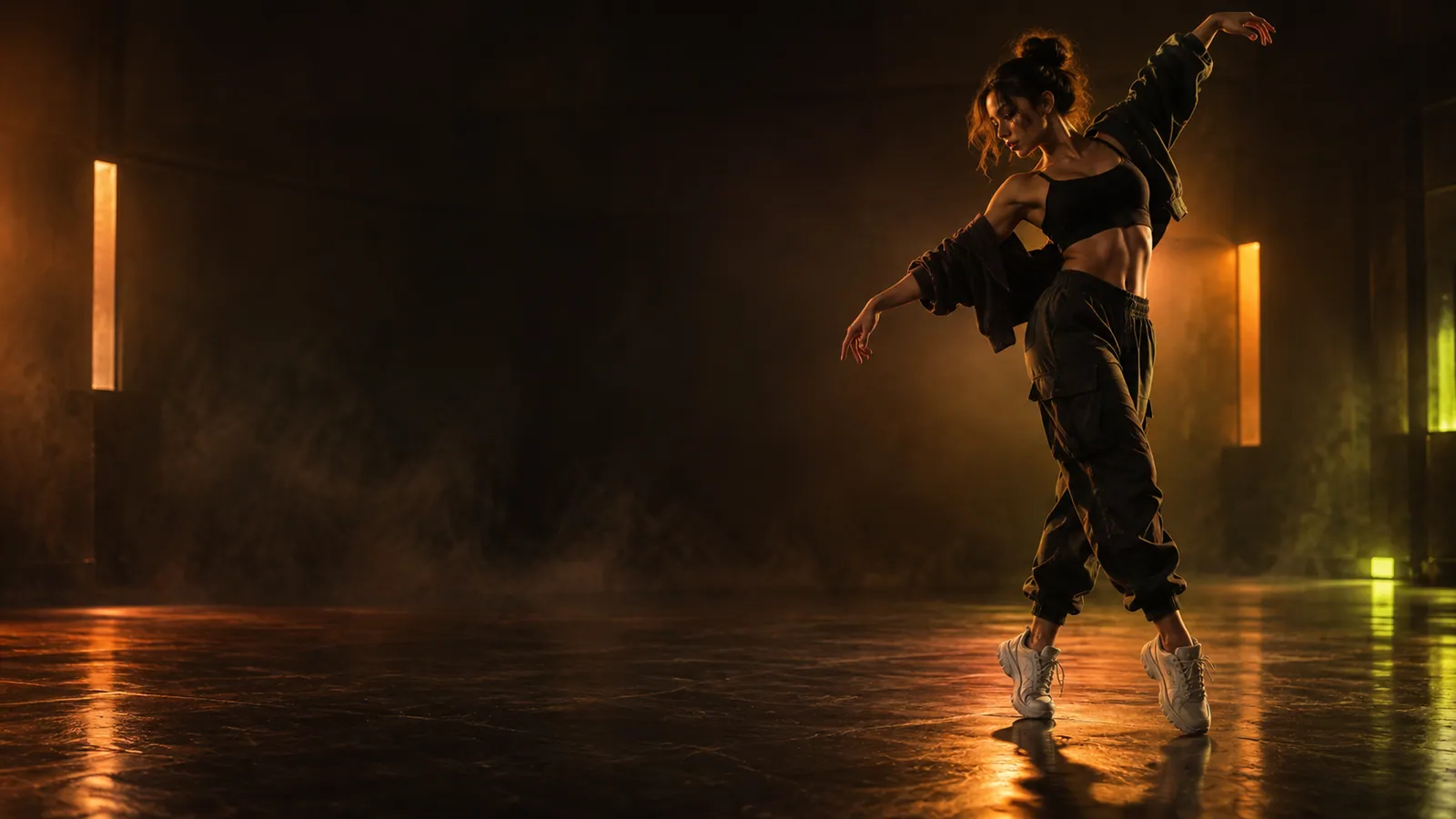
Watch a finished Dime Dime Baby video in its full 9:16 frame, then make your own for TikTok, Reels, or Shorts.
Pay per video
Pricing is shown in videos, with no recurring plan. Every 10- or 15-second generation uses one video from your pack.
See packs and buy$2.99
$2.99 per video
$6.99
$2.33 per video · most popular
$18.99
$1.90 per video · best value
Quick overview
Everything you need to turn one photo into a ready-to-share Dime Dime Baby dance video.
One JPG, PNG, or WebP photo
Choose a clear photo up to 10 MB with one person, their full body, and both feet visible.
10- or 15-second 9:16 MP4
Every result is a 9:16 vertical MP4, ready to preview, download, and share.
Dime Dime Baby motion built in
Just add your photo—the dance is ready, so there is no video to film or upload.
From $2.99 for one video
Choose 1, 3, or 10 videos. Both 10- and 15-second renders use one video from your pack, with no subscription.
Photo to video in a few clicks
Upload your photo, choose 10 or 15 seconds, then generate and download your video.
Clear, full-body photos
Simple backgrounds, even lighting, and a complete view of the person make the dance look its best.
Photo to Dime Dime Baby dance in three steps
Choose a sharp, well-lit JPG, PNG, or WebP with one person, their full body, and both feet visible.
Pick your preferred length. The Dime Dime Baby dance is already built in, so you do not need to upload a video.
Generate your dance, preview the result, and download the finished vertical MP4.
Made for the Dime Dime Baby dance
A simple photo-to-dance experience made for quick, shareable vertical videos.
Start with one clear photo—no filming, timeline editing, or video upload required.
The Dime Dime Baby dance is ready to use. Simply choose 10 or 15 seconds and start creating.
Generate a 10- or 15-second 9:16 video, then preview and download it as an MP4.
Tips for a better dance video
A few simple photo choices can make your Dime Dime Baby video look clearer and more natural.
“Use one subject with their arms, legs, and feet fully visible.”
A complete body outline helps the dance stay clear from start to finish.
“Choose a natural standing pose that broadly faces the camera.”
A simple standing pose gives the dance more room to move naturally.
“Prefer visual separation between the person and the background.”
Clear separation keeps the person easy to see throughout the video.
“Use a sharp photo without heavy shadows or blown highlights.”
A crisp photo helps keep clothing and facial details recognizable.
“Crop out bystanders and avoid group photos.”
One person in the frame creates a cleaner, more focused dance video.
“Choose either 10 seconds or 15 seconds.”
Both options use one video from your pack and create a share-ready 9:16 MP4.
Dime Dime Baby AI video FAQ
It is a photo-to-dance tool that turns one picture into a 10- or 15-second Dime Dime Baby vertical video.
Upload one clear full-body photo, choose 10 or 15 seconds, and select Generate. Sign in only when you are ready to create, then preview and download the finished MP4.
Yes. It offers a fast, focused path from one photo to one vertical Dime Dime Baby dance MP4.
It works differently: you upload a photo and receive a new vertical Bby Wow-style dance video instead of applying a camera filter or editing a template.
Use a sharp, well-lit, full-body photo with a simple background and both shoes visible. Avoid motion blur, cropped legs, covered feet, or multiple people.
No. You only need to upload one photo because the Dime Dime Baby dance is already built in.
Choose a one-time pack of 1, 3, or 10 videos. Both 10- and 15-second options use one video from the pack, with no subscription.
Most videos are ready in a few minutes. You can keep the page open or check your account for the finished result.
The result is a 10- or 15-second, 9:16 vertical MP4 ready to preview, download, and share.
Ready to animate your photo?
Sign in with Google or email, choose a one-time video pack, and turn one photo into a vertical dance clip.